Most teams want two things from AI on their website, and they pull in opposite directions. They want it to take work off their hands, and they want to be sure nothing goes live that nobody checked. This post shows how we handle both on this site, and how each approved post reaches search engines and AI assistants within minutes. This article went through exactly these steps.
The two questions this post answers
- How can we let AI help with our content without losing control of what gets published?
- How do we get a new page found by Google, Bing and AI assistants quickly, instead of waiting for a crawler to notice it?
The problem: content copied by hand drifts
Someone writes an update in a document, then copies it into the website, the newsletter, a catalogue and a second language. Each copy is edited separately, and within months the versions disagree. Adding AI to that setup makes it faster, but also makes it easier to publish something nobody read. Fix the structure first, then give AI specific jobs inside it.
The workflow: AI helps, a person approves
Every post is one record in Pulsar. The website has no copy of its own; it reads published posts from that record, so there is one version to keep right.
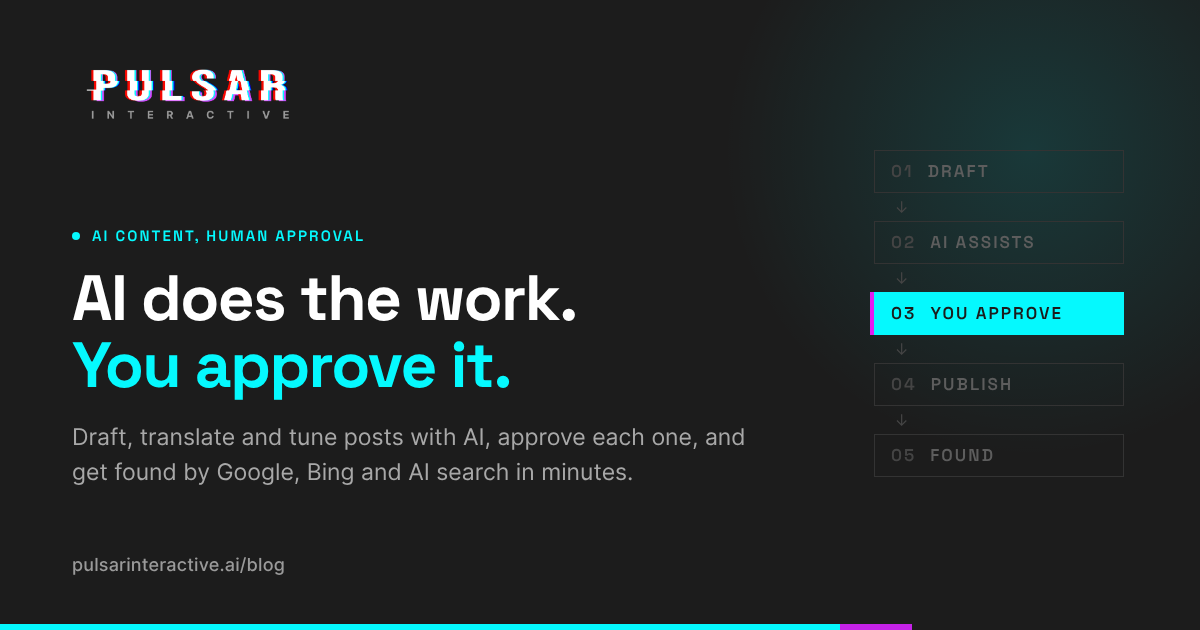
 1. DRAFT       written by a person or an AI assistant
     |          always saved as a draft, never live
     v
 2. AI ASSISTS  translation, search title, summary
     |
     v
 3. REVIEW      a person reads, edits, decides
     |
     v  approved
 4. PUBLISH     one status change
     |
     v
 5. FOUND       site refresh, sitemap, IndexNow,
                RSS, Markdown copy for AI agents
| Task | AI | Person |
|---|---|---|
| Choose the topic and argument | No | Decides |
| First draft | Can draft when asked | Writes or edits |
| Translation (EN, ES, PT, TH) | Translates | Checks |
| Search title and description | Suggests, within search length limits | Picks or adjusts |
| Publish | Only when a person tells it to | Decides |
The rule behind the table: AI takes work that is slow for people and easy to check. Judgment and anything you can't take back stay with a person.
For this article, the first draft was saved about two minutes after we asked the assistant for it, and a full rewrite with the diagram and both tables took about three. Most of the time went into deciding what the post should say, which is the part that should stay with a person.
Post bodies are Markdown with a short list of allowed HTML: images, video, tables, captions, and YouTube or Vimeo embeds over HTTPS. Scripts, styles and other embeds are rejected when a post is saved and stripped again when it renders, so a bad draft can't break the site.
Getting found: one approval, every place people look
Publishing is one status change. The site refreshes within seconds, and the post goes out to each place below at the same moment.
| Where | What is sent | Who reads it |
|---|---|---|
| Blog page | The post, with contents list and related posts | Visitors |
| Sitemap | New address and last-updated date | Google and other search engines |
| IndexNow | The new address, pushed immediately | Bing, Yandex, Seznam, Naver; Bing's index also serves Microsoft Copilot and is one source for ChatGPT search |
| Structured data | Article, author, dates, breadcrumbs, FAQ | Search engines and AI tools looking for direct answers |
| RSS feed | The new post | Feed readers |
| Markdown copy and llms.txt | A clean text version of every post | AI assistants and agents that fetch pages |
llms.txt is a proposed convention, not a standard every assistant follows. It costs nothing to provide, and a plain-text copy is easier for any AI tool to read than a styled web page.
Fix, hide or update from anywhere
Because each post lives in one place, every change is made once: in the dashboard, or by asking an AI assistant from a phone.
| Change | Where you can make it | When the site shows it |
|---|---|---|
| Fix a typo, or one field in one language | Dashboard or AI assistant | Within seconds |
| Change the cover image or tags | Dashboard or AI assistant | Within seconds |
| Hide a post (unpublish or archive) | Dashboard or AI assistant | Within seconds |
| Bring an archived post back | Dashboard or AI assistant | Within seconds |
| Delete a post | Dashboard only | Within seconds |
Edits apply per language and per field, so fixing a Spanish title leaves the English text alone. We don't change a published post's address, because links to it would break.
Is this a fit for you?
A good fit if you publish regularly, the same content goes to several channels or languages, more than one person writes and someone has to approve, or you want to be easier for AI assistants to find and quote.
Probably not a fit if you publish a few times a year and your current site builder does the job.
What a project looks like
- Map where content is written, copied and approved today.
- Set up one source of truth and connect your website and channels to it.
- Agree which steps AI takes and who approves.
- Switch on discovery: sitemap, IndexNow, structured data, feeds and AI-readable copies.
Your content stays in your own workspace.
FAQ
Can AI publish to our website without anyone approving it?
No. New content is saved as a draft. Going live is a separate step a person takes, or an AI assistant takes only when a person tells it to.
How quickly does a new page reach search engines?
The site refreshes within seconds and the address goes to IndexNow straight away, so Bing and other IndexNow engines can crawl it within minutes. Google finds it through the sitemap on its own schedule.
Does this help us appear in ChatGPT or Perplexity answers?
It makes your content easier to find and quote: clean text copies, structured data and fast indexing in Bing. No one can guarantee an AI assistant will cite a particular page.
Can we take a post down quickly?
Yes. Unpublishing or archiving a post removes it from the site within seconds, from the dashboard or by asking an AI assistant.
Which languages are supported?
English, Spanish, Portuguese and Thai, with AI translation between them that a person checks.